Chat-first
Just describe what you want to build.
Build through conversation
Create, edit, and publish website pages with Pen.
Turn your ideas into real websites — without complex tools.
No spam. Just updates that matter.
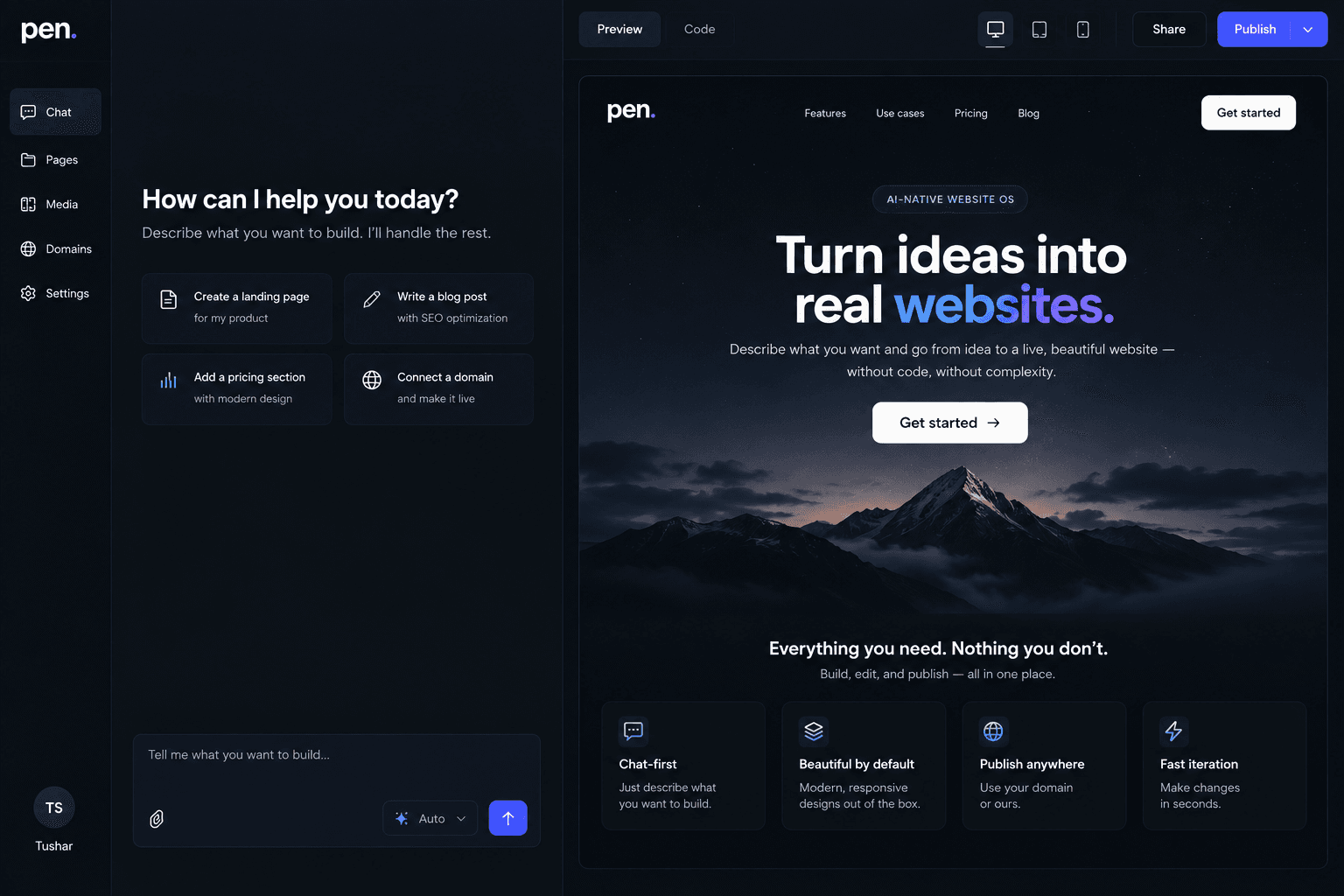
A simple, powerful way to build and manage your website.
Just describe what you want to build.
Keep your content organized.
Edit instantly with AI.
Use your own website or API.
From idea to published content in three simple steps.
Get early access and be part of the journey.
No spam. Just updates that matter.
What to know before you start building with Pen.
Pen is a chat-first content management system (CMS) for structured website Pages. Describe the Page and sections you want, then use the same conversation to read, edit, reorder, or publish them.
A chat-first CMS lets you manage saved website content in a conversational workspace. You can type naturally, while slash commands remain available for explicit Page operations.
Create or select a project, then describe what you want. Pen turns the request into validated Page or section operations, saves the structured result, and renders it with predefined layouts. If a Page or section reference is ambiguous, Pen asks for a clearer one.
Yes. Tell Pen the Page purpose, audience, and the ordered sections you want. Pen creates structured content using supported section types and layout variants, then shows a deterministic preview.
Yes. You can change Page details, section names, content, layout variants, and section order through chat. Pen preserves the rest of the Page unless your request explicitly changes it.
Pen can mark a Page as published or return it to draft through chat. Publishing updates the canonical Page record; website hosting and deployment are separate concerns.
Pen uses conversation to drive validated operations on structured Pages. Traditional CMS products commonly spread those tasks across page lists, forms, and visual editors.
Pen is aimed at small business owners, founders, and people responsible for website content who prefer working with clear commands. The preview is for exploring that workflow. Marketing-team use does not imply shared editing, approval flows, or collaboration features.
No. Describe the Page or change in normal language. Slash commands are optional shortcuts for explicit Page operations.
Pen organizes Pages into named, ordered hero, content, image, features, and call-to-action sections. Each section uses one of a small set of predefined layout variants and stores only structured content.
AI interprets natural-language intent and generates structured content. Pen validates the proposed operation and content before its deterministic engine changes the saved Page. The AI never generates or stores page markup or layout code.
Pen asks you to provide a more specific Page reference before it performs the operation. Use the Page’s slug or an unambiguous title. If no Page matches, Pen reports that instead of choosing a different Page or treating the request as a successful change.